Not your ordinary panic button.
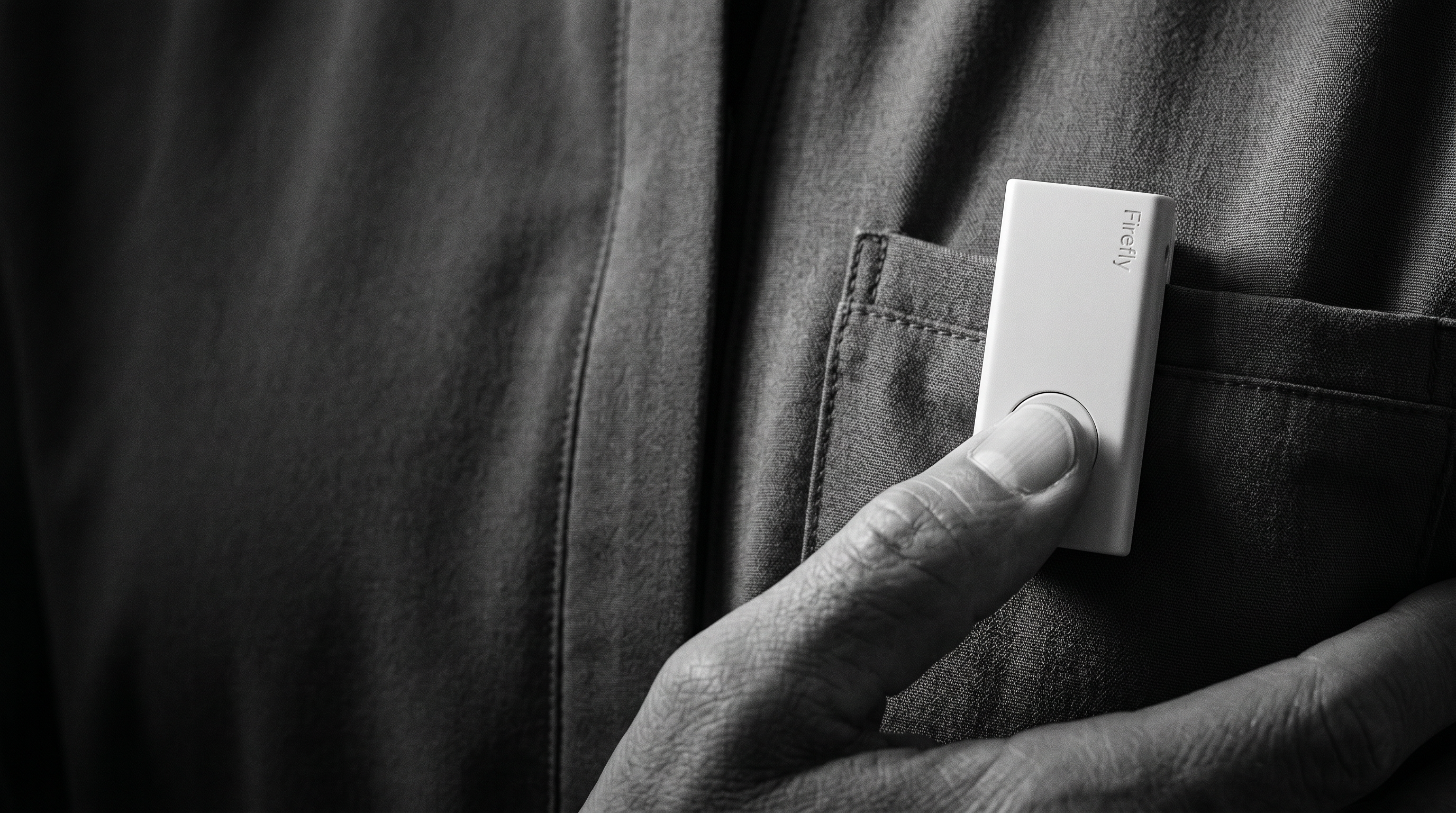
Go on. Press it.
Learn moreSee how Firefly would work in your office.
6 required fields. Phone is optional.
One press. Five things happen, quickly and in order.
Step 01 · Alert
Step 1. AlertThe press becomes a signal.
One discreet tap on the wearable initiates an alert with a haptic confirmation on the device. The user knows it went through before they look down.- Step 02 · LocateStep 2. Locate
Down to the room, not the building.
Firefly resolves position to the floor, suite, and room — not the address — using our proprietary mesh network. No external network required. 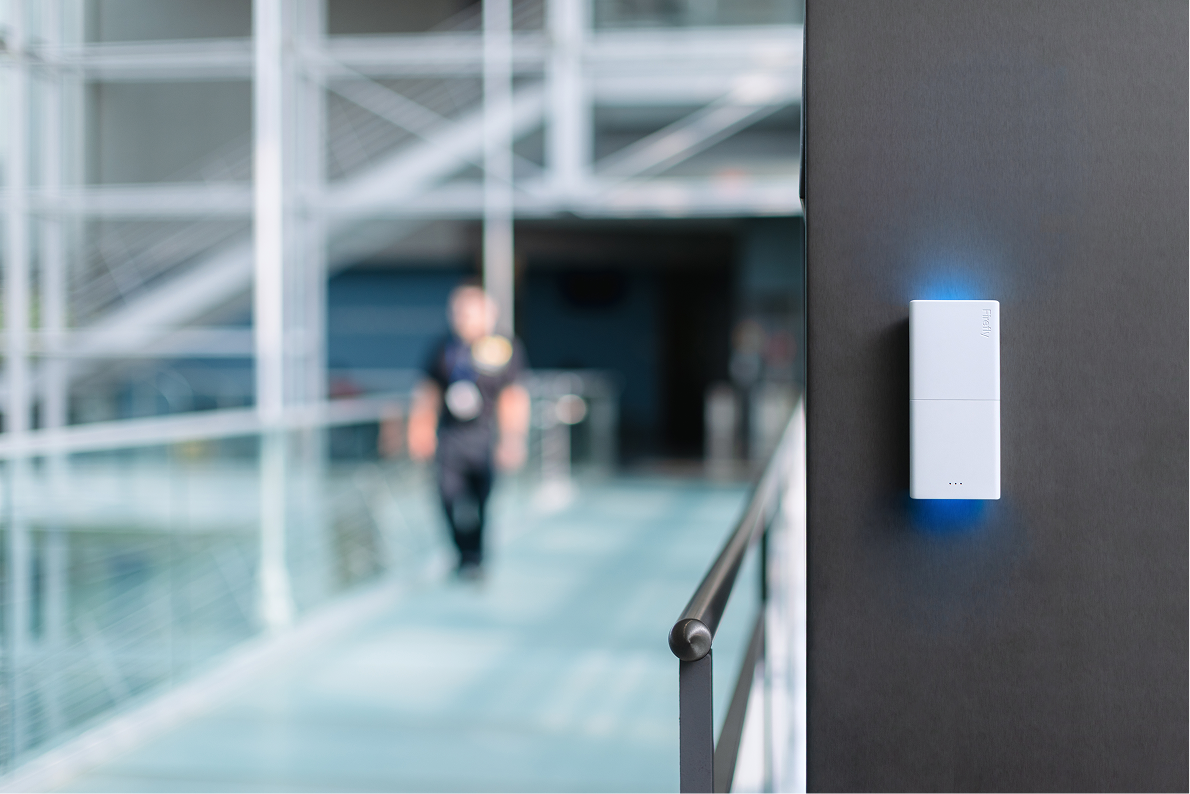 Step 03 · VerifyStep 3. Verify
Context, before chaos.
The alert is enriched with the responder's last known position, the site's response plan, and the type of incident, before anyone is asked to make a decision. Step 04 · BroadcastStep 4. Broadcast
The right people, not all of them.
Firefly routes the message to the right responders by floor, by time of day, by incident type. It can also lock doors, broadcast over speakers, and send alerts to Slack, Teams, radio, and more.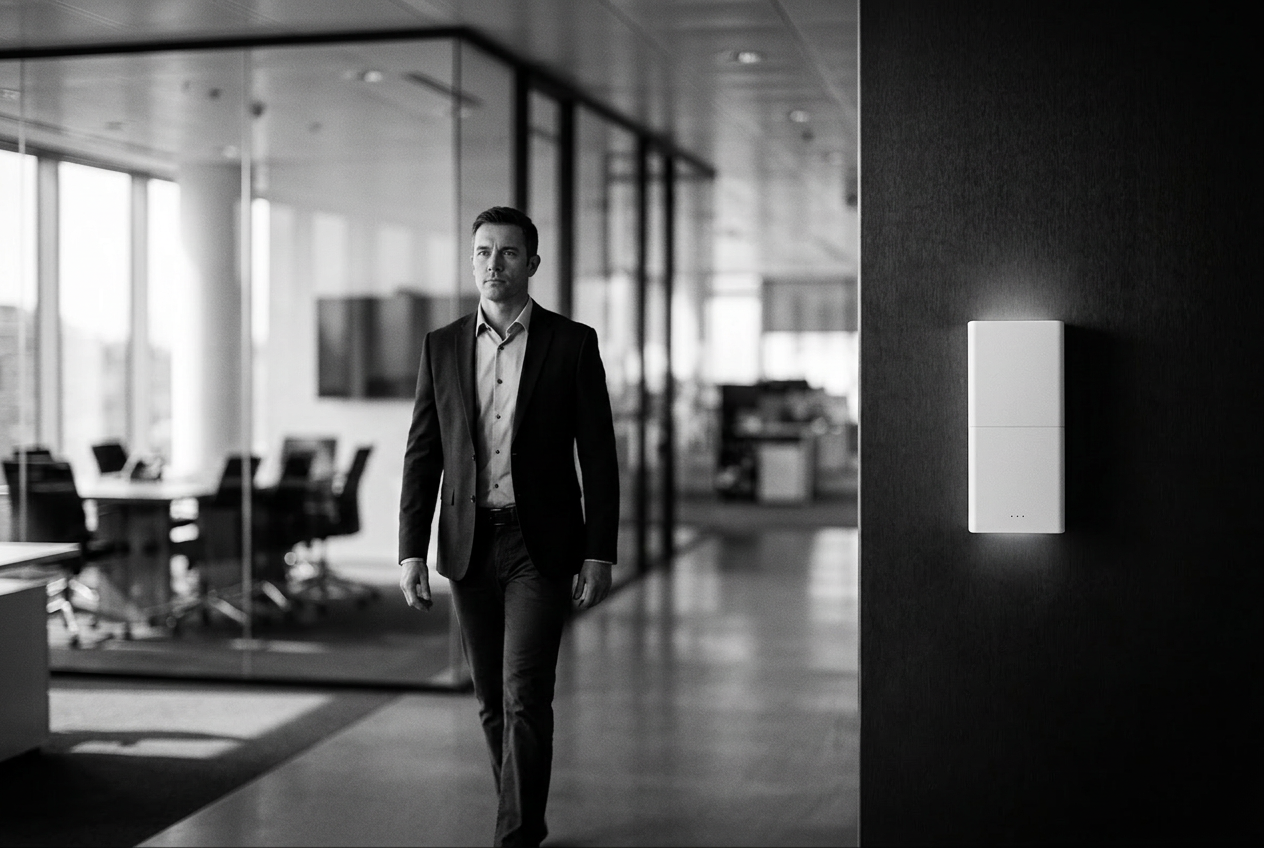 Step 05 · ActionStep 5. Action
Hands free, eyes up.
Internal responders move with a clear instruction set, a live operating picture, and a clean log. If the situation needs outside help, Firefly escalates off-site without losing the thread.
An office panic button should do more
than make noise.
It should confirm the alert, show exactly where it came from, and help the right people respond without guesswork.
Firefly is built for the front desk, the back office, and everywhere in between — locate, verify, route, and act, with far less confusion and far more certainty.
What happens next is Firefly.
- 01
Reception and front desk
A discreet wearable for the people most likely to face the first incident, without a giant red button on the counter.
- 02
Discreet activation
One press. No noise, no drama. Confirmation comes back through the device, not across the lobby.
- 03
Targeted internal response
The right floor, the right team, the right manager. Not a building-wide email blast.
- 04
Off-site escalation
When it needs to leave the building, it does, without the on-site team having to stop and make the call.
The button is the input.
The response is our product.
- Routes by
- Site
- Reception. Executive floor. Back office. Loading dock.
- Time of day
- Business hours. After-hours skeleton crew. Weekend.
- Incident type
- Verbal threat. Medical. Aggressor at reception. Suspicious package.
- Response plan
- Internal security. Building management. Off-site dispatch.
The first seconds
are not the time
for guesswork.
Firefly gives offices a faster, clearer path from alert to action.