01
Wearable button
Wear it on a lanyard, badge clip, or in a pocket. It buzzes when you press it.
A modern panic button system that instantly shares your location and coordinates a response across your organization. Firefly keeps working when Wi-Fi and power don't.



Every alert follows the same five steps, every time: Alert, Locate, Verify, Broadcast, Action. We set it up around your building and your shifts.
The button buzzes the moment you press it, so you know the alert went through. You can keep your eyes up.
Firefly's own network pinpoints the floor and room where the button was pressed. No wifi or cell needed.
 03 · Verify
Before anyone has to decide anything, the alert already shows where it came from, what kind of incident it is, and your site's plan.
 04 · Broadcast
Firefly sends the alert to the people on shift who can help, based on the time of day and the type of incident. It can also lock doors, sound speakers, and message Slack, Teams, or radio.
Responders head over with clear instructions and a live view of what's happening. The person who pressed keeps getting updates the whole time.
Tell us about your site and we'll show you exactly how it would work there, live, on your own floor plan. It takes about thirty minutes, and there's no pressure.
You don't have to piece together different vendors. Firefly arrives as one kit, sized to your building and ready to use out of the box.

Wear it on a lanyard, badge clip, or in a pocket. It buzzes when you press it.
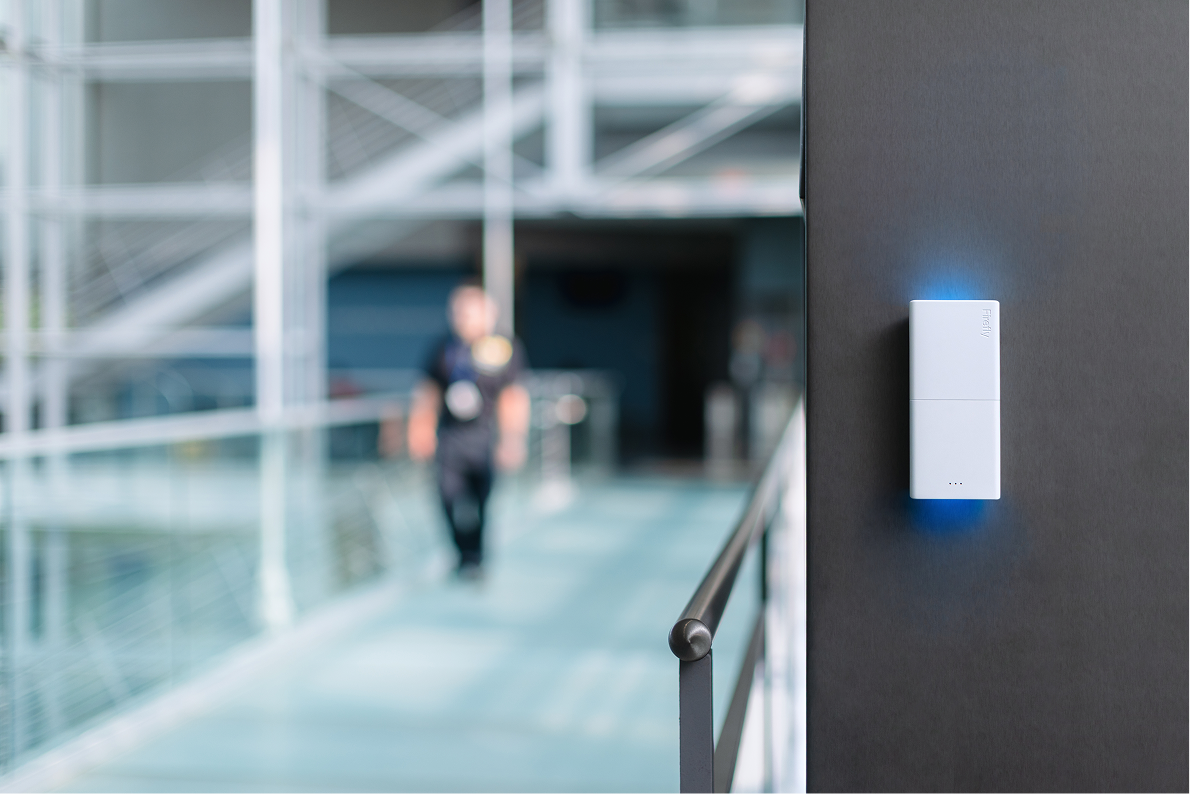
Small and easy to miss. A light on the front shows its status. Mount it wired or wireless.
A radio that finds its way around dead spots on its own. No wifi, cell, or central hub needed.
A live view for responders, accurate to the floor. It sends a confirmation back to the person who pressed.
See the kit in your building, sized to your floor plan and ready to use.
Talk to an expertIt's the same system everywhere. We set it up around how your site really runs, from a full daytime crew to a skeleton overnight shift.
 Healthcare
Wearable and wall-mounted buttons that route each alert by location, time, and incident. They find the exact room without any outside network.
 Hospitality
Coverage for housekeeping and front desk staff. Alerts pinpoint the floor and room, even when wifi or cell is down.
 Education
Alerts down to the classroom, on Firefly's own network instead of the school's. It covers staff on site and off.
 Property & Workplace
For offices, apartments, and mixed-use buildings. It routes alerts by location, by who's on shift, and by the type of incident.
See how Firefly would fit your wing, your floor, or your campus.
Talk to an expertA lot of panic buttons quit right when you need them most. We built ours to keep working, starting with the radio inside it.
Firefly runs on its own radio network, so it keeps working when wifi and cell go down. It needs no outside network at all.
From press to received takes less than a second, and the button buzzes so you know it sent. Those first few seconds matter most.
Responders know the wing and the room right away, so no one wastes time searching the building.
Wear it on a lanyard or mount it on the wall. It covers your team on site and off, and routes each alert by location, time of day, and type of incident.
See how it would work in your building, set up around your shifts.
Talk to an expertTell us about your site. A Firefly specialist will show you how the five steps would work in your building.