Firefly · Panic Button Systems
Not your ordinary panic button.
Go on. Press it.
Awaiting input
Inquiry
See how Firefly would work in your environment.
The next thirty seconds
One press. Five things happen, quickly and in order.
Step 01 · Alert
Step 1. AlertThe press becomes a signal.
One tap on the wearable initiates an alert with a haptic confirmation on the device. The user knows it went through before they look down.- Step 02 · LocateStep 2. Locate
Down to the room, not the building.
Firefly resolves position to the floor and room, not the campus or the property, using our proprietary mesh network. No external network required. 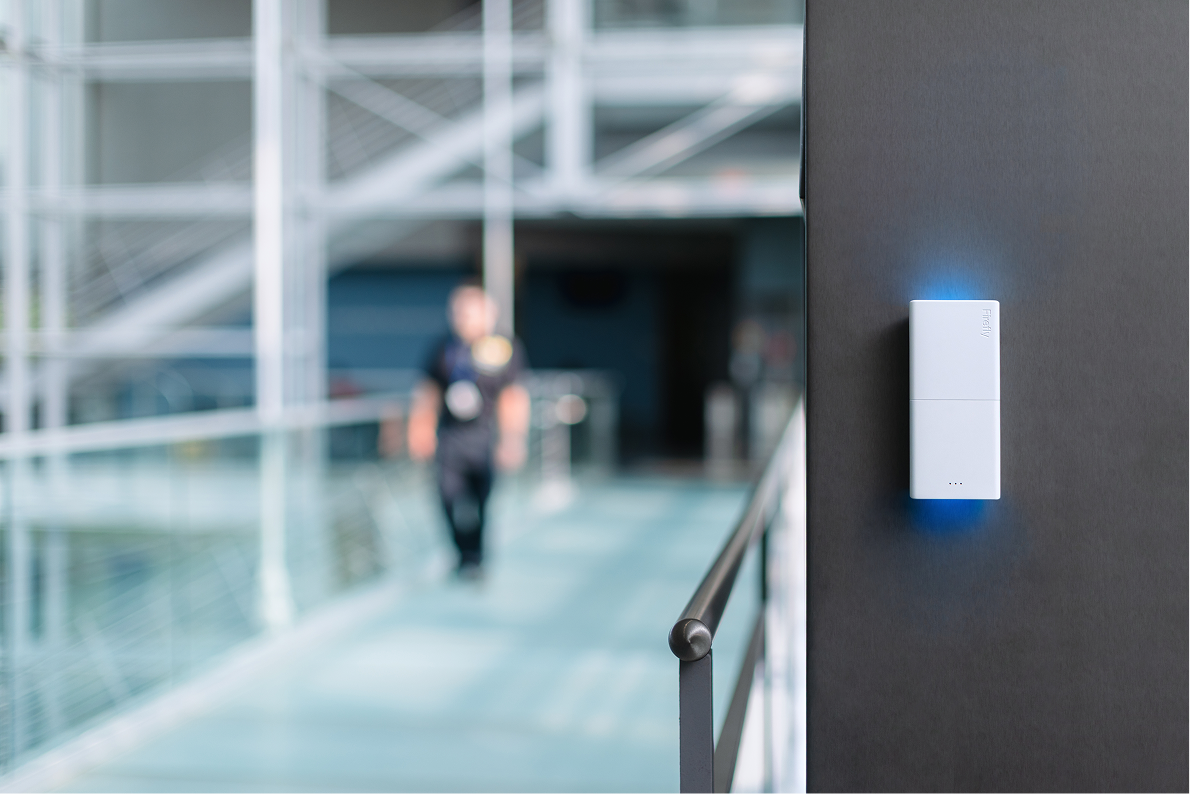 Step 03 · VerifyStep 3. Verify
Context, before chaos.
The alert is enriched with the responder's last known position, the site's response plan, and the type of incident, before anyone is asked to make a decision. Step 04 · BroadcastStep 4. Broadcast
The right people, not all of them.
Firefly routes the message to the right responders by site, by time of day, by incident type. It can also lock doors, broadcast over speakers, and send alerts to Slack, Teams, radio, and more.Step 05 · Action
Step 5. ActionHands free, eyes up.
Responders move with a clear instruction set, a live operating picture, and a clean log. The person who pressed the button gets steady feedback the entire time.

Most panic buttons stop working
the moment the real work begins.
A panic button is useful for the first half a second. After that, the quality of the response takes over. Firefly was designed for the minutes that come next, not just the press itself.
Locate, verify, route, and act, with far less confusion and far more certainty. That is the work Firefly was built to do.
What you actually get
What happens next is Firefly.
A panic button is useful for the first half a second. After that, the quality of the response takes over. Firefly helps teams locate, verify, route, and act with far less confusion and far more certainty.
- 01
Haptic confirmation
Users know the alert went through, without having to look at the device.
- 02
Independent network
If the building has a bad day, the panic button system should not join it.
- 03
Flexible orchestration
Different sites. Different incidents. Different responses, handled accordingly.
- 04
On-site and off-site coverage
One system, more than one kind of emergency. Inside the building or away from it.
The Firefly differenceThe button is the input.
The button is the input.
The response is our product.
Most systems escalate everything the same way. Firefly does not. It can route by site, time of day, incident type, and response plan, with clear feedback to the person who pressed the button and a much cleaner path for the people responding.
- Routes by
- Site
- Hospital wing. School building. Hotel floor. Factory line.
- Time of day
- Daytime full staff. Overnight skeleton crew. Weekend.
- Incident type
- Medical. Verbal threat. Active aggressor. Equipment failure.
- Response plan
- On-site team. Off-site dispatch. Multi-tier escalation.
Make safety your advantageThe first seconds
The first seconds
are not the time
for guesswork.
Firefly gives teams a faster, clearer path from alert to action.